If the breaker does not trip on TEST, will not reset, or shows smoke/heat/arcing, stop testing and contact a qualified electrical professional. Follow the device label; do not perform invasive or energized repairs.
What this check covers — and what it does not
This page describes how to perform the TEST-button check on a GFCI-type circuit breaker (a ground-fault circuit interrupter integrated into a branch-circuit breaker in a loadcenter or distribution panel) as described on the device label or in the manufacturer’s instructions. The scope here is limited to pressing the breaker’s TEST button and observing whether it trips and can be reset according to the labeling. No panel opening, meter use, energized removal, or repair work is included.
Testing a GFCI receptacle (a wall outlet with TEST and RESET buttons) is a different task on a different device. Use the visual comparison to identify what you have before proceeding. If you are unsure which device is present or how its maker instructs testing, stop, read the device label, and follow those instructions.
- Non-invasive: press the TEST button only; no panel removal or meter work.
- Focused on panel-mounted GFCI breakers; receptacle testing differs.
- Defer to the device label and literature for any model-specific steps.
Breaker versus receptacle — how to tell them apart
A GFCI circuit breaker is mounted in the electrical panel and typically has a TEST button (often colored) plus a handle for ON/OFF or reset. A GFCI receptacle is a wall-mounted outlet with TEST and RESET buttons on the face. The devices protect circuits differently and present different markings: breakers generally show a model or catalog number, amperage, and manufacturer name on the front or side; receptacles show identification on the faceplate area or mounting strap.
Before any test, note the identifying information so you can keep a clear record. Capture the model or catalog number, amperage rating, voltage class shown, any series or suffix markings, and the panel circuit location (panel identifier and breaker position). If markings are worn or missing, take photos of what is visible and record the circuit location rather than attempting invasive inspection.
- Breaker cues: panel-mounted, ON/OFF handle, TEST button on the breaker body.
- Receptacle cues: wall outlet with TEST and RESET buttons on the face.
- Recordable ID: model/catalog number, amp rating, and panel circuit position.
Non-invasive TEST-button check (follow the device label)
Perform only the TEST-button check described on the breaker’s label or in the maker’s instructions. In general, ensure the circuit is in normal service, press the TEST button once, confirm that the breaker trips to OFF or TRIPPED, then follow the labeled reset method. Some models specify a particular reset sequence; always follow what is printed on the device over any general advice.
Do not open the panel, probe terminals, or attempt troubleshooting beyond the labeled TEST and reset. If the breaker trips on TEST and then resets per the label, record a pass in your log. If it does not trip, will not reset, or behaves unexpectedly, stop further checks and contact a qualified electrician for evaluation.
- Typical flow: note device ID → confirm normal service → press TEST → observe trip → reset per label.
- If the label shows a specific reset sequence, follow it exactly.
- Do not use tools to force the handle or buttons; use only the intended mechanism.
Interpreting test results and what failure indicates
A successful TEST-button check shows that the breaker opened the circuit when the internal test simulated a fault and that it reset according to its labeling. This is a basic functional check only. A pass does not confirm full ground-fault sensitivity across all conditions, long-term reliability, or compliance with any particular performance target beyond the simple field test.
A failed TEST-button check — no trip, inability to reset, or unexpected tripping under normal loads — indicates the device needs evaluation. Stop testing and arrange for a qualified electrician to assess the breaker and the circuit. Do not attempt internal repairs, energized diagnostics, or substitutions without appropriate expertise.
- Pass: trips on TEST and resets per label — record a PASS in your log.
- Fail: no trip or no reset — stop and contact a qualified electrician.
- Repeated nuisance trips also warrant professional investigation.
How to keep an exact test log
Maintain a dated test log for each GFCI breaker you check. Clear records help track recurring issues and support any later maintenance or purchase review. A notebook, simple spreadsheet, or form is sufficient; keep photo backups of labels and the breaker’s position in the panel.
Each log entry should be specific enough to stand alone. Record date and time, panel identifier and circuit position, breaker model/catalog number, amperage, the test result (PASS/FAIL), behavior observed, whether reset succeeded, who performed the test (name and company, if applicable), and photo references. If a device failed, briefly note immediate actions and any service ticket or contact reference.
- Essential fields: Date/Time, Panel ID, Circuit position, Model/Catalog #, Amp rating.
- Result fields: PASS/FAIL, observed behavior, reset success, photos (Y/N), tester name.
- If failing, add: symptom summary, immediate action, and a service contact/ticket.
Safety limits: when to stop and call a professional
Stop testing and secure the circuit if you notice warning signs such as smoke, burning odor, visible arcing, unusual noises, excessive heat at the breaker or enclosure, or if the handle or TEST button is damaged or stuck. These conditions are outside the scope of a simple TEST-button check and require on-site evaluation by a qualified electrical professional familiar with the device and local requirements.
Also stop and seek help if the breaker label is unreadable, the instructions are unclear, or results are inconsistent. For any failed test or ambiguous outcome, arrange for evaluation before returning the circuit to normal use. Do not perform internal repairs, energized removal, or other invasive tasks yourself.
- Emergency signs: smoke, burning odor, visible arcing, hot enclosure, stuck/damaged handle.
- Administrative stops: unreadable labels, unclear reset directions, inconclusive results.
- When uncertain, defer to the label and the judgment of a qualified electrician.
Preparing photos and information if you will submit a breaker for review
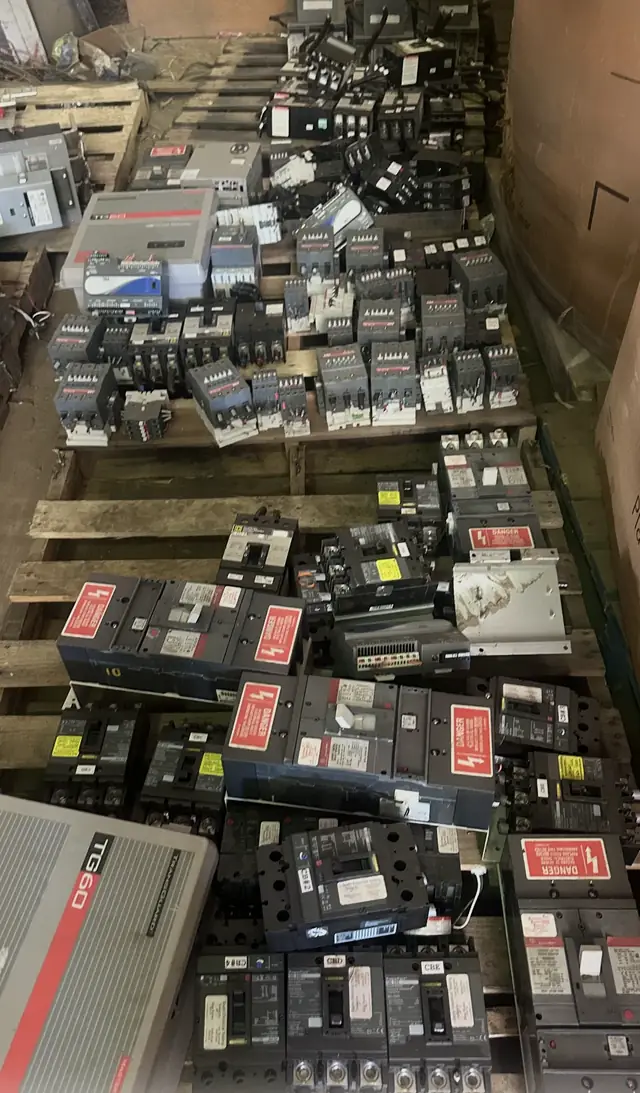
If you plan to submit a breaker for review as part of a sale or surplus disposition, gather clear photos and your test log before submitting. Include close-up images of the label showing model/catalog numbers, amperage, and any codes or suffix markings, plus a wide shot showing the device location in the panel.
Attach the dated test log entry showing the most recent TEST-button check and any prior entries. Submitting photos and logs requests a review only and is not an appraisal, purchase order, pickup authorization, or safety inspection. Any decision about purchase or acceptance will follow a separate review process and, if needed, an expert inspection.
- Photo set: label close-up, in-panel wide shot, any visible damage, and the panel directory.
- Include the test log with date, tester name, observed behavior, and reset result.
- Submission starts a review only and does not replace a professional inspection.